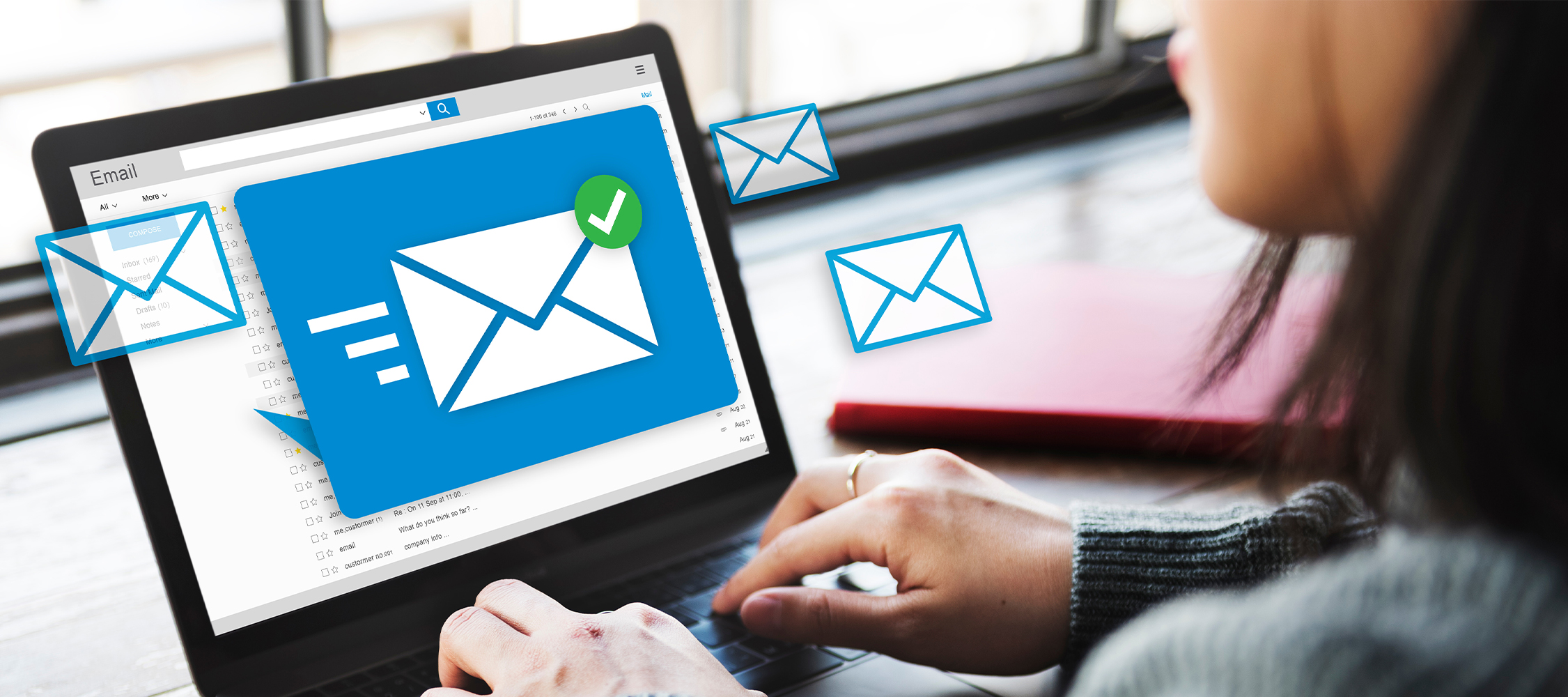
You sent an email by mistake? Wrong recipient, typo, or missing attachment… It happens to everyone. Fortunately, there are ways to undo an email after sending it or better yet, to avoid this stressful situation in the first place.
Why does it matter?
- On average, we send and receive around ten emails per day.
- Worldwide, 350 billion emails are exchanged every day (Statista, May 2024).
- This volume could reach 400 billion by 2026. With so many messages being sent, mistakes are inevitable. Here’s how to correct them quickly.
How to undo an email: options by email provider
On Gmail (Google) :
On Outlook (Microsoft)
On iOS (Apple Mail)
How to avoid needing to undo an email
-
Use drafts
-
Save your email before sending so you can review and edit it later.
-
Schedule your emails
-
Delay sending by several hours or days to give yourself time to make changes.
-
This option is available in Gmail, Outlook and iOS.
In summary
Undoing an email is possible but only for a short time. To avoid mistakes:
Bonus tip: If you’re sending an important email, read it aloud before clicking “Send”. It makes spotting mistakes much easier.
Find the right IT solution in just a few clicks
Our calculator helps you choose the connectivity, tools and services best suited to your business: Calculatator DEEP - POST
Discover our Cloud solutions : Microsoft 365 - DEEP